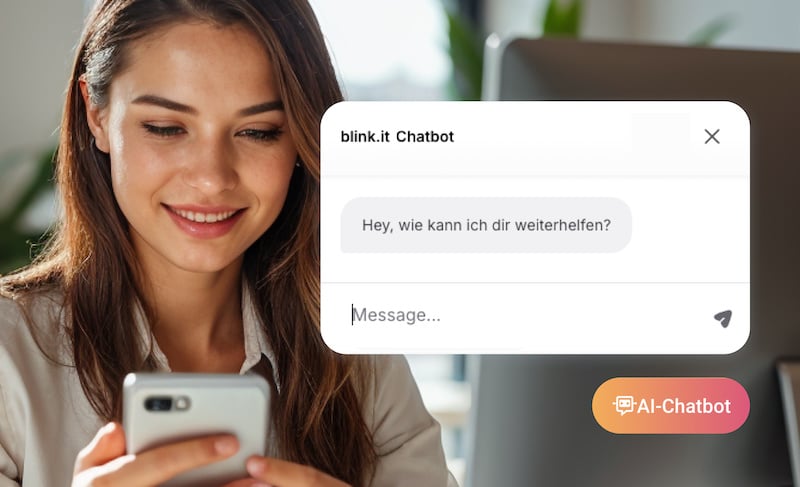
Your employees have long since stopped learning exclusively at their desks. Perhaps they complete a training session on a laptop, look something up on their smartphone later, or work on a short learning unit while on the go. A Learning Management System (LMS) should therefore work reliably on different devices.
But a mobile LMS must do more than simply display learning content on a small screen. When you select a learning platform for your company, you should make sure that the operation, display, and learning process also really work on mobile devices.
These five criteria will help you with your selection.
5 Criteria for a Good Mobile LMS
1. Simple Operation on Every Device
A mobile LMS should function so intuitively that your employees can learn with it without a long introduction. This is particularly important when people with very different levels of digital experience use the learning platform.
Therefore, look for clear navigation, easy-to-understand controls, and as few unnecessary steps as possible. Your employees should quickly recognize which content is relevant to them and where they can continue their learning process.
2. Responsive Display on Smartphone, Tablet, and Desktop
Your learning platform should automatically adapt to different screen sizes. Text, videos, quizzes, and other learning content must be just as usable on a smartphone as they are on a tablet or laptop.
This also applies to operation: buttons, for example, must be easy to reach on small displays, and content should not require zooming or horizontal scrolling to become readable.
3. Cross-Device Learning Progress
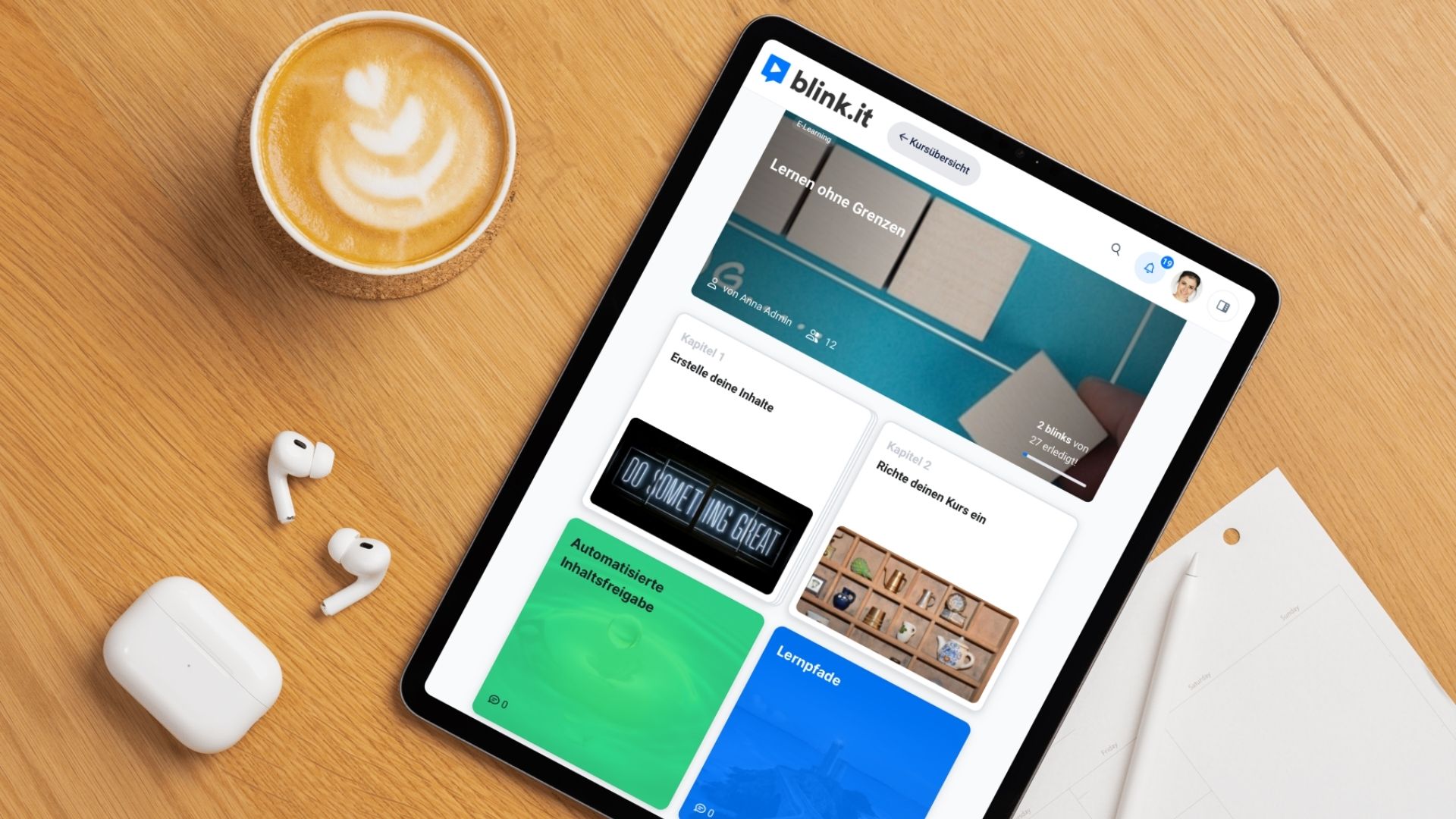
Mobile learning often also means switching between devices. Perhaps your employee starts a learning unit on their smartphone in the morning and continues it later on their laptop.
A good mobile LMS therefore synchronizes learning progress across devices. This allows your employees to pick up right where they left off, without having to search for content they have already completed.
4. Reliable Use with Different Connections
An equally fast internet connection is not available to your employees everywhere. A mobile LMS should therefore work reliably even with fluctuating connections and be technically optimized for mobile use.
Whether you also need a true offline function depends on your specific area of application. If your employees regularly work in locations without internet access, you should check this point specifically during the selection process.
5. Data Protection and Security Also in Mobile Use
When your employees access learning content via smartphones, tablets, or private devices, you should consider data protection and security right from the start.
Among other things, check how the provider processes personal data, where data is stored, what access and authorization options are available, and what security measures the learning platform offers. The crucial factor is not just the server location, but GDPR-compliant and transparent handling of data.
Does a Mobile LMS Have to Be an App?
When it comes to mobile learning, you might first think of an app that your employees download from an app store. But that is not the only option: modern web-based learning platforms can also be optimized for use on smartphones and tablets.
Another technical option is the Progressive Web App, or PWA for short. It combines features of classic websites with functions you know from apps.
For your LMS selection, it is therefore less critical whether a learning platform bears the label "app". What is more important is how easily and reliably your employees can use it on the devices that are actually used in their daily work.
Conclusion
A good mobile LMS is not characterized by having as many functions as possible, but rather by the fact that employees can learn easily, securely, and reliably on their various devices.
When making your selection, pay close attention to simple operation, responsive display, cross-device learning progress, as well as reliable and secure use.
Which mobile functions you need beyond this depends on your area of application. For example, if your employees frequently work without a stable internet connection, offline learning can be important. The decisive factor is therefore not the longest list of functions, but whether the LMS fits your company and the actual daily learning routine of your employees.

Frequently Asked Questions and Answers
What is a mobile LMS?
A mobile LMS is a Learning Management System that you can use on smartphones and tablets just as well as on desktop devices. Learning content and key functions should adapt to different screen sizes and be easy to operate.
What criteria should a mobile LMS meet?
Pay particular attention to simple operation, responsive display, cross-device synchronization of learning progress, as well as reliable and secure use. Depending on the area of application, an offline function may also be important.
Does a mobile LMS have to have its own app?
No. Web-based learning platforms and Progressive Web Apps can also be optimized for smartphones and tablets. The crucial factor is that your employees can use the learning platform easily and reliably on their devices.
When is offline learning important for a mobile LMS?
An offline function is particularly relevant if your employees regularly learn or work in places without a reliable internet connection. With a stable internet supply, on the other hand, it is not absolutely necessary for every company.