Success trainer Claudia Grajek wanted to know from trainers and coaches: Which creative tools do you use for interactive online learning? Claudia then tested the tools in blink.it and discussed them in detail in one of her success webinars. The result: Four tools are perfectly suited to integrating training interactively into the online course – so that blended learning can also be successful completely digitally.
Note: This article follows directly on from the following article: 19 creative tools for your digital learning content – There you will find a list of tools with which, for example, you can edit videos or images. In THIS article, however, you will find tools that are suitable for interactive live training.
Whiteboard, pinboard, poll: Digital tools for classic aids
If you want to offer training and coaching online, you have probably already looked for replacement tools for classic aids such as a whiteboard or pinboard. As with many digital tools, the selection is enormous. And in addition to your own user experience, other factors are important for the selection:
Which tools are GDPR-compliant so that your customers even allow them to be used?
With which tools do your participants get on well?
And with which tools can you give them the easiest access possible?
E-learning expert Claudia Grajek has a great deal to do with digital tools for continuing education, both as a self-employed coach and as a success trainer. In one of her regular topic webinars, Claudia worked with other trainers to identify four tools that can be easily embedded in a blink.it course.
Make it easy for everyone: embed live content in the online course
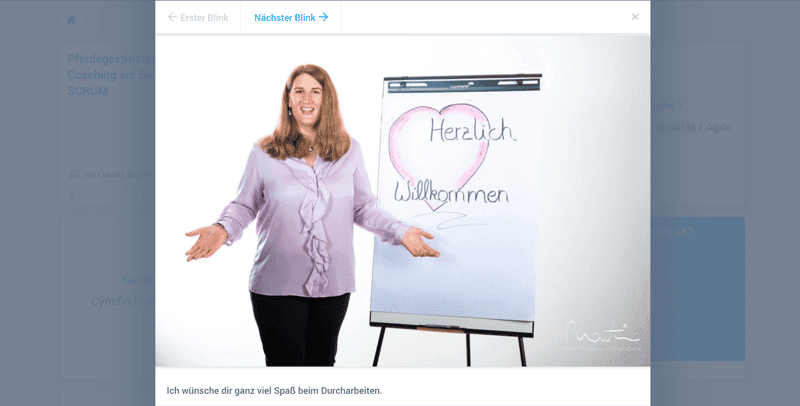
The big advantage of being able to embed interactive tools directly in the blink.it course: in blended learning, you can first ask your participants questions in the online course and give them smaller tasks to prepare. For a subsequent live online training session, you can then simply provide them with a digital whiteboard or other tool – embedded in the online course with a click.
Another criterion: interactive work directly in the online course
Some digital tools can not only be embedded in your blink.it course – you can even work directly in them or have your participants work in them! This means that your participants can do everything directly in one learning environment. A real plus when it comes to easy access to learning tools.
Our test winners: 4 tools for interactive learning in the online course
Conceptboard, miro, padlet and Mentimeter: These are the four tools that trainers and coaches in Claudia Grajek's topic webinar liked best. Together with Claudia, we evaluated them according to the following 5 criteria:
Country of origin (possibly important for data protection)
Tool type
Embed in blink.it
Work in blink.it
Costs / prices
Here is the result summarized in a clear table:
| Tool type | Embed in blink.it | Work in blink.it | Costs |
Conceptboard 🇩🇪 | Digital whiteboard | +++ | + | Free, Pro version from 5 euros/month |
miro 🇺🇸 | Digital whiteboard | ++ | + | Free, Pro version from 8 dollars/month |
padlet 🇺🇸 | Digital pinboard | ++ | +++ | Free, also available as an app |
Mentimeter 🇸🇪 | Poll tool | +++ | +++ | Free trial, Basic version from 11.99 euros/month |
The 4 interactive learning tools in detail
Interactive whiteboard from Germany: Conceptboard
Interactive presentation
Develop something together with the participants
Video recording possible for embedding in the course
Advantage: German servers, important for some customers
Share via link or QR code
Pro tip: Sharing via QR code is especially suitable when your participants are meant to access something via smartphone or tablet. Usually, that is then the second device – while, for example, the webinar takes place on the computer.
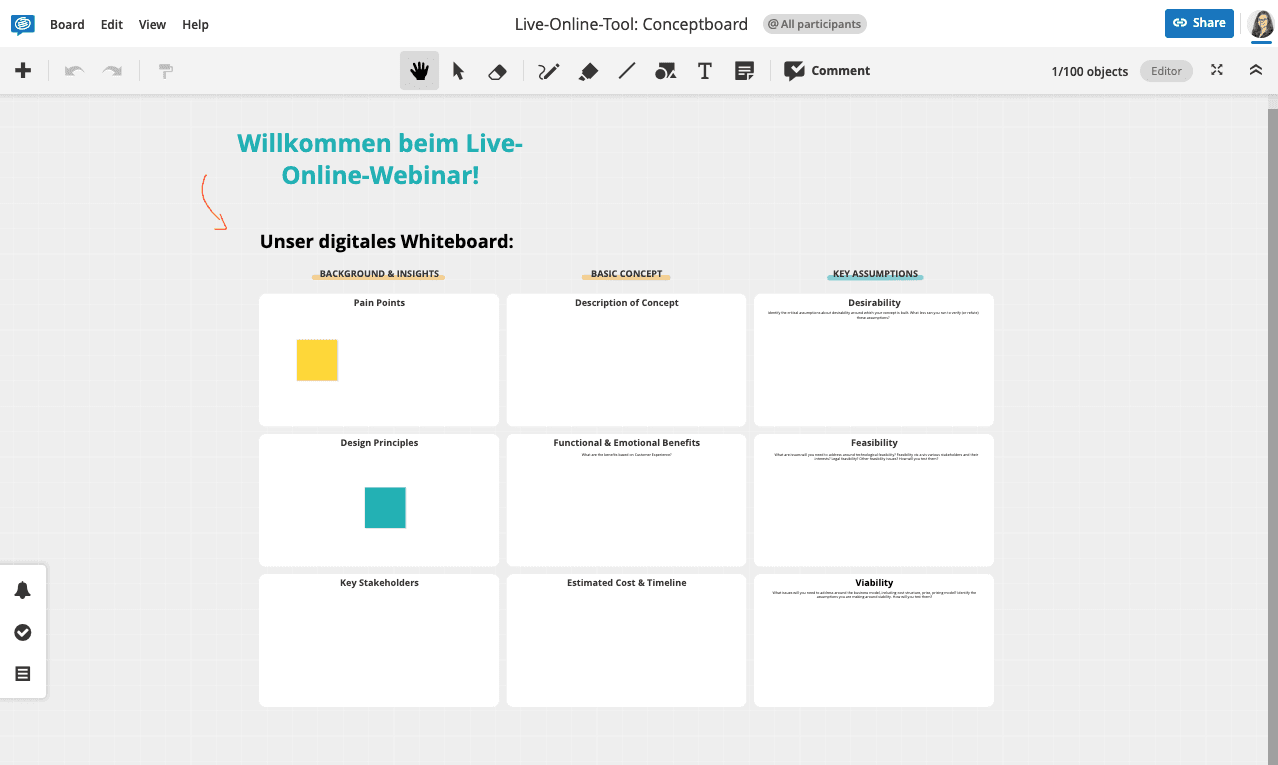
Screenshot: Interactively work and learn with Conceptboard
Interactive whiteboard (USA): miro
Similar to Conceptboard, but from the USA and with more options
Advantage: complete work in blink.it is possible
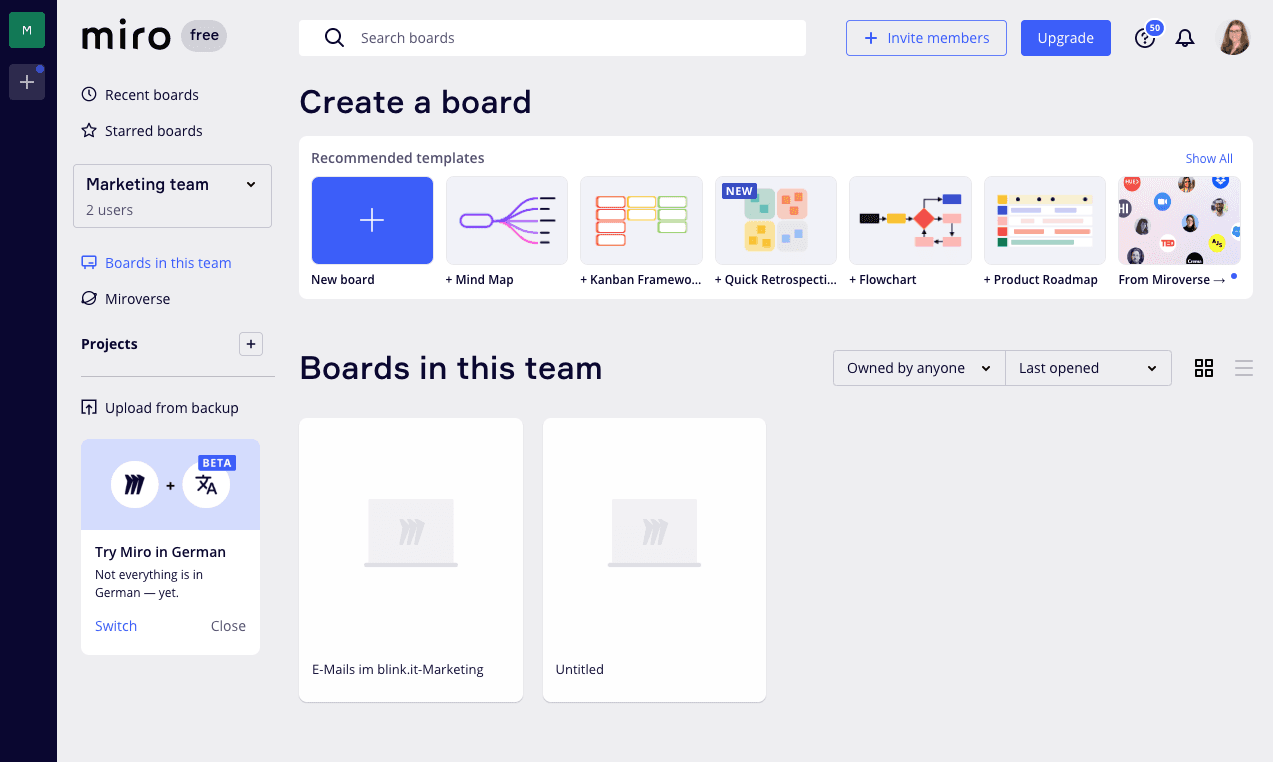
Screenshot: Interactively work and learn with Conceptboard
Interactive pinboard: Padlet
A kind of digital pinboard
For introductions, SWAT analyses, polling phases
Advantage: Also wonderfully usable directly in blink.it

Screenshot: Interactively work and learn with Padlet
Interactive polling tool: Mentimeter
Live polling, very easy to implement
Like Conceptboard, embedding via link or QR code is possible

Screenshot: Interactively work and learn with Mentimeter
Extra tip as a live online tool for blended learning: Gathertown – Working in the metaverse
In addition to the tools mentioned, Claudia Grajek recommends the tool gather.town for live online training: With it, you can create a virtual environment in which your participants can move around freely and exchange ideas. A nice example of live online training with gathertown can be found at www.confidos-virtuell.de.
With tools like gathertown, you can really pull off the full digital package: Let your participants "walk around" and interact with each other as soon as they get close. Almost like in analog life, flexibly from their own desk. You can also easily integrate gathertown into your blink.it course and thus bundle all measures in one place.
The icing on the cake: Create a digital home in the online course
All the tools mentioned are simply embedded in your blink.it course: the course is, so to speak, the digital home of your learners. Here they find all the information about your training or coaching, can answer quiz questions, watch videos or download PDFs. And when the self-study phase is over, they also find access to live online tools there. This bundles all your digital learning offerings in one place and makes access easier for all participants.

Frequently asked questions and answers
Why are interactive tools so important for digital learning?
Interactive tools promote active participation instead of pure consumption of content. Participants can work together, visualize ideas, vote, or work on tasks directly in the learning process.
Which types of interactive tools are particularly suitable for online training?
Digital whiteboards, pinboards, and poll tools are particularly well suited for collaborative learning. They support group work, idea collection, feedback, and joint reflection in online training.
Why is embedding interactive tools in a learning platform helpful?
When all tools are available directly in the online course, a central learning environment is created without constant tool switching. This makes access easier and reduces technical barriers for participants.
What role does usability play in interactive learning tools?
Even good tools lose their added value if participants cannot use them intuitively. Easy access and clear usability increase acceptance, participation, and learning success in digital training.
Updated on 05/08/2026